
Stop switching tabs every time you need a different AI tool. AI Toolbox puts ChatGPT, Claude, Midjourney, and 47 more in one organized directory — searchable, filterable, and always one click away.
Most people use two or three AI tools and miss out on dozens more — not because they don't know they exist, but because accessing them is too much friction.
Your workflow gets interrupted every time you switch from ChatGPT to Midjourney to Runway to Claude. Every tab switch breaks your focus — and you lose your train of thought before you find what you need.
You know there's an AI tool for video, one for audio, one for SEO — but you Google each one every time. And you're never sure you found the right one, or if there's something better you've forgotten.
Your bookmarks folder is an unsorted list that mixes AI tools with everything else. No search, no categories by use case, no way to see all your image tools at once. It's faster to Google than to find it in bookmarks.
50+ AI tools organized by category — search, filter, open in one click.
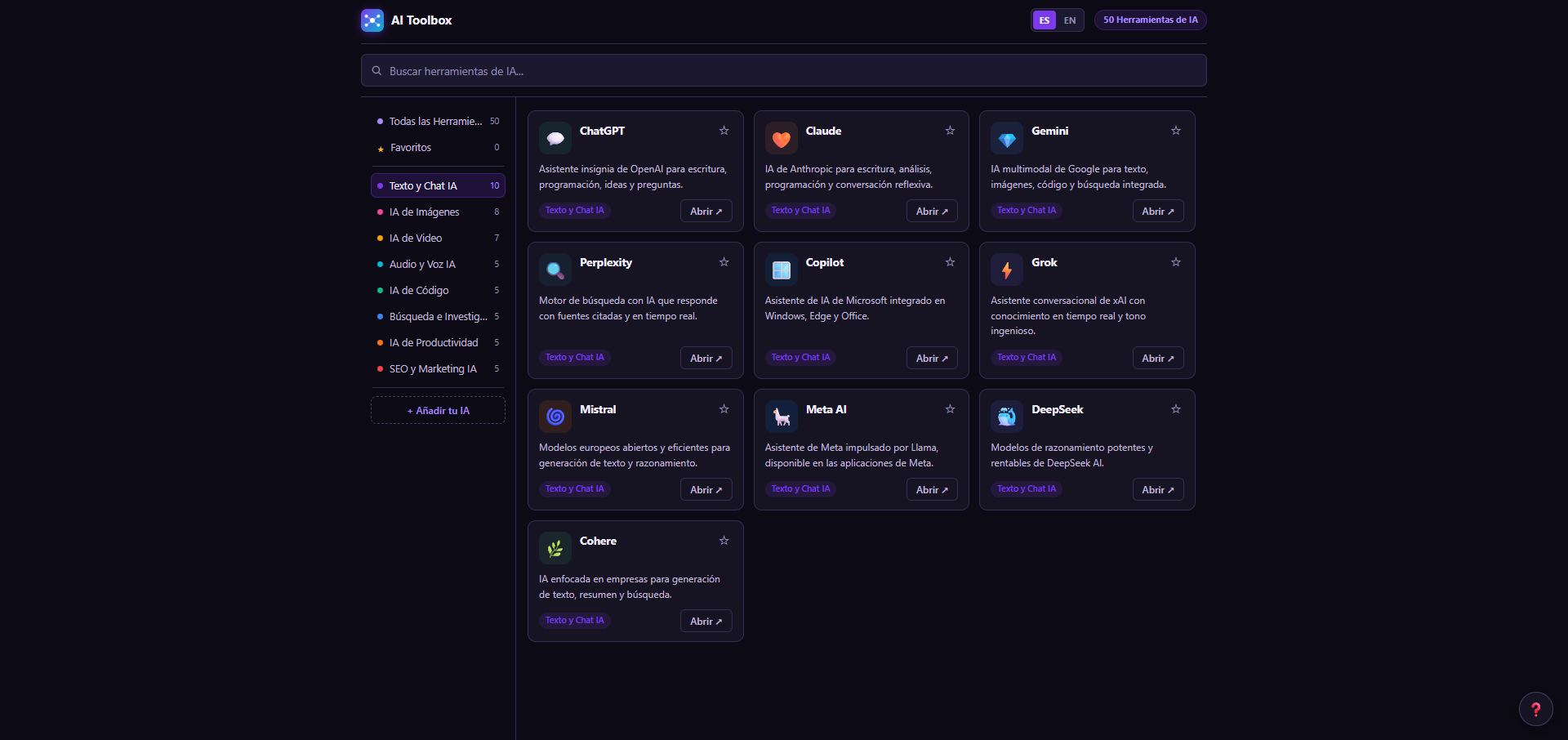
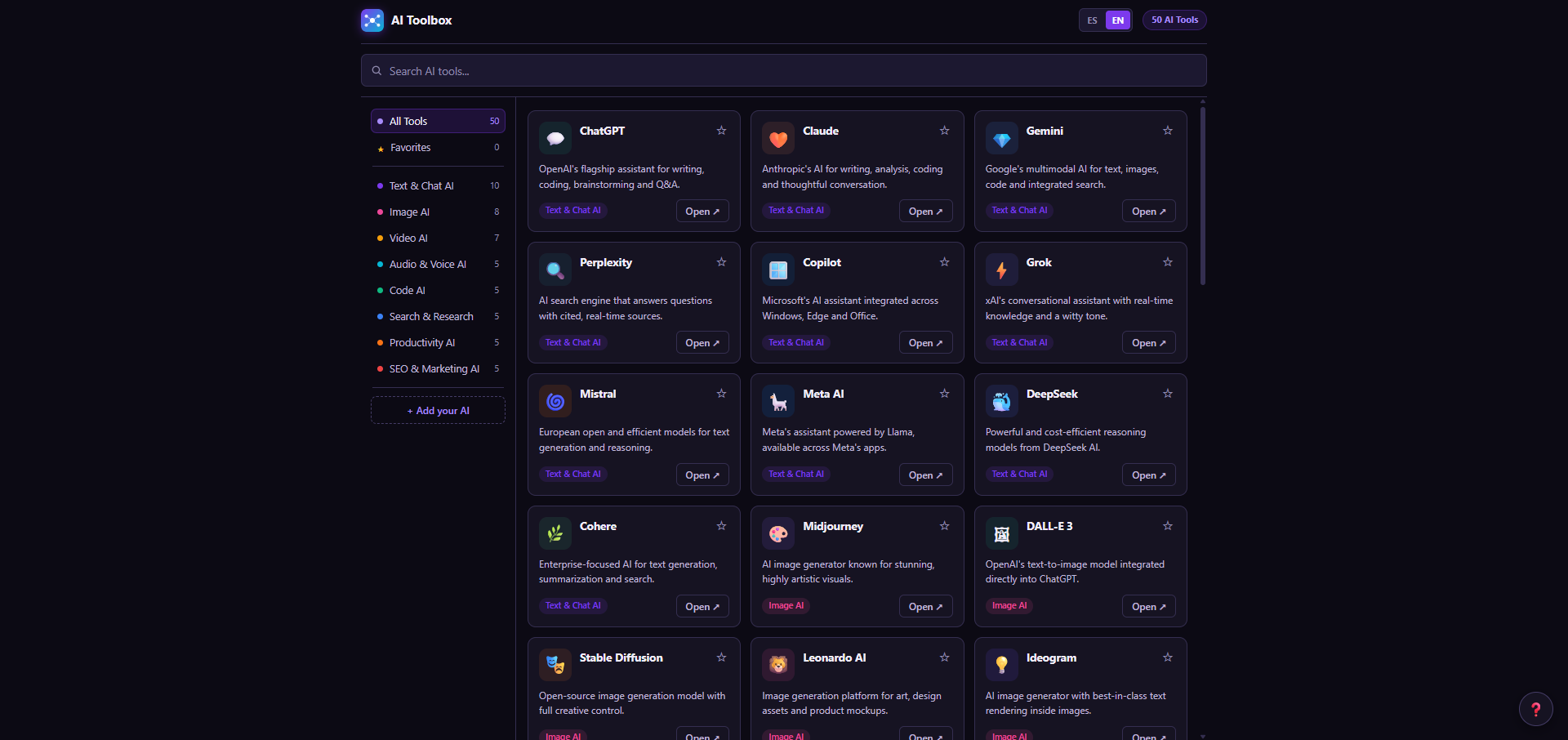
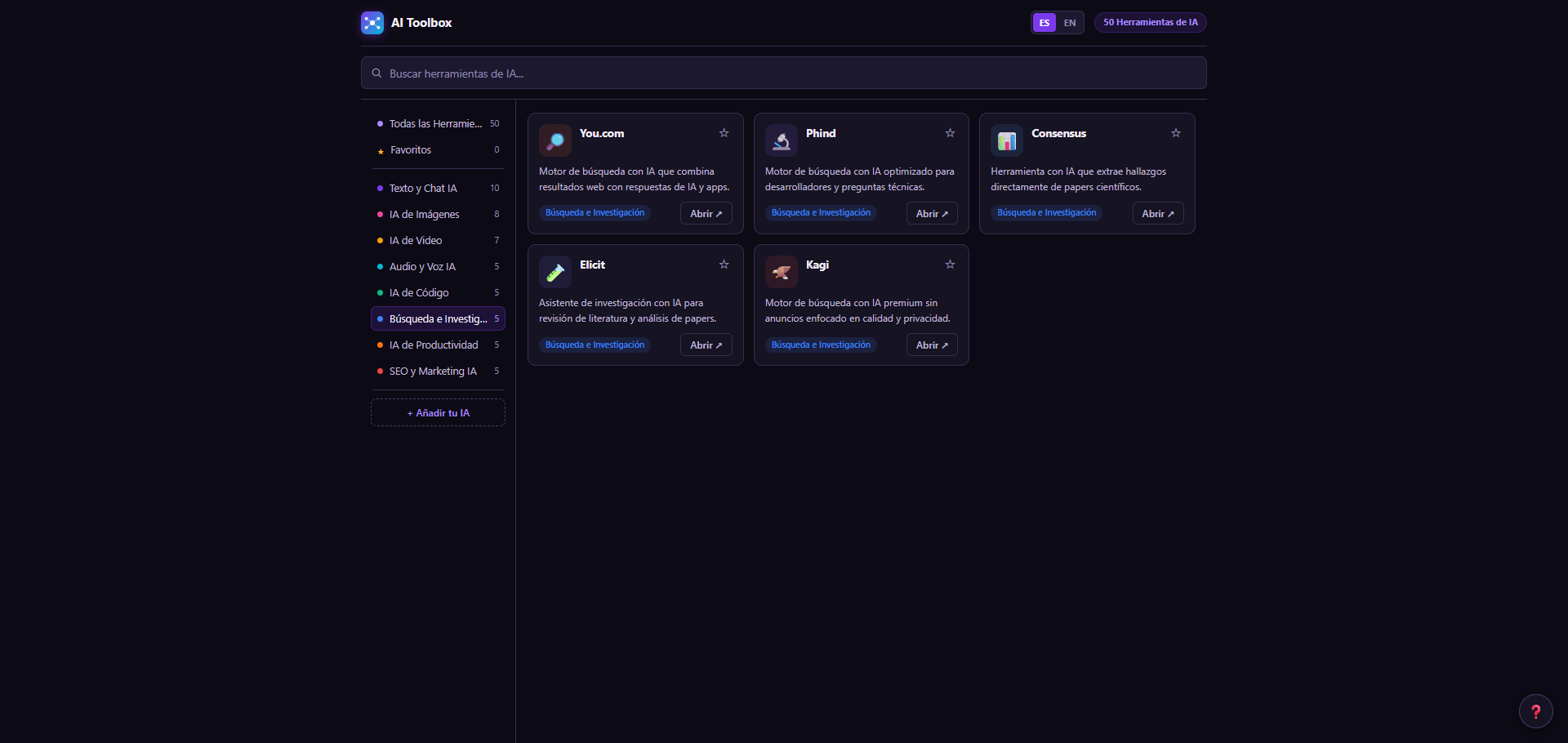
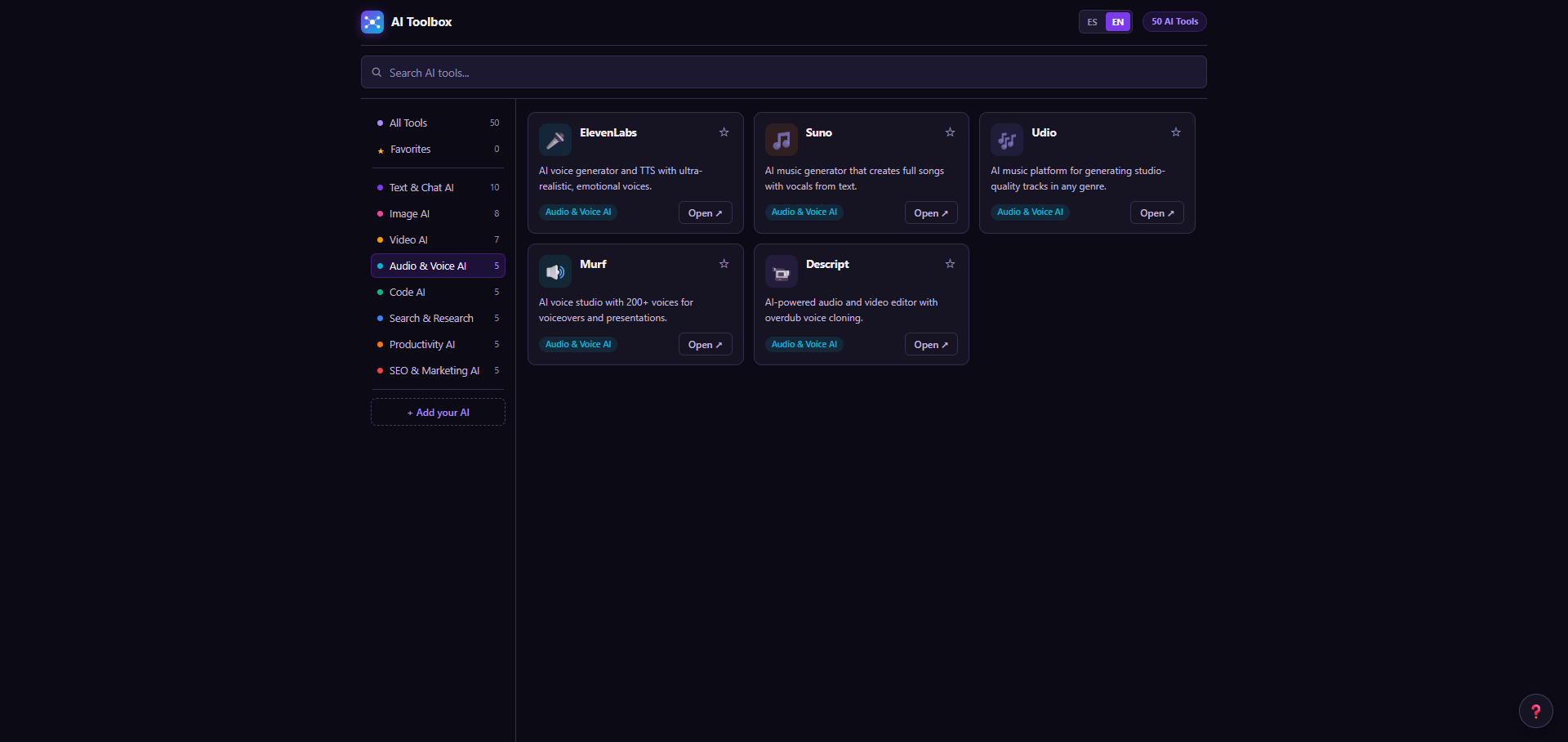
Every major AI tool — organized, searchable, and just one click to open. No account needed to browse; just click a tool and it opens directly in a new tab.
From text generation to video, audio, code, and marketing — every category you use daily is covered.
ChatGPT, Claude, Gemini, Perplexity, Grok, Copilot, Mistral, Meta AI, DeepSeek, Cohere.
Midjourney, DALL-E 3, Stable Diffusion, Leonardo AI, Ideogram, Adobe Firefly, Canva AI, Flux.
Runway, Sora, Kling AI, HeyGen, Synthesia, Pika, Luma AI.
ElevenLabs, Suno, Udio, Murf, Descript.
GitHub Copilot, Cursor, Replit AI, Tabnine, Codeium.
You.com, Phind, Consensus, Elicit, Kagi.
Notion AI, Zapier AI, Make, Gamma, Beautiful.ai.
Surfer SEO, Jasper, Copy.ai, Writesonic, SEMrush AI.
Search, filter, favorite, and customize — built to match how you actually use AI tools every day.
Type any keyword — tool name, use case, or capability — and the list filters in real time. Find what you need in under two seconds without scrolling.
Click any category in the sidebar to see only tools of that type — Text, Image, Video, Audio, Code, Search, Productivity, or Marketing. Switch instantly.
Click ☆ on any tool card to mark it as a favorite. Favorited tools pin to the top of the list — your go-to tools are always the first thing you see.
Use '+ Add your AI' to add any tool not in the directory — give it a name, URL, emoji, and category. Your custom tools appear alongside the built-in ones.
Every tool card has an 'Open' button that launches the tool directly in a new tab. No redirects, no intermediary pages — click and you're there.
Switch the full interface — tool descriptions, categories, all labels — between English and Spanish at any time. Your preference is saved between sessions.
No accounts, no API keys, no setup. Just a Chrome extension that puts every AI tool you need in the same place.
AI Toolbox is a directory — it opens links in new tabs, not connect to any AI service. No API key, no account, no configuration. Works immediately after install.
Pin your most-used tools to the top. Add any tool not in the list with a name, URL, and category. The extension adapts to how you work, not the other way around.
Switch the full interface — all descriptions, categories, and labels — between English and Spanish with one click. Designed for users who work in both languages.
Ships with 50+ curated tools across 8 categories — text, image, video, audio, code, search, productivity, and marketing. Add your own for anything that's not in the list.
No subscription. No API key. No setup. One payment — your complete AI tool directory, forever.
Questions first? Get in touch before buying.